
Thermostat Help Center
Amana Smart Thermostat Help and How-To Guides
Step-by-step help for the Amana brand smart thermostat and the SkyportHome app, from the HVAC technicians who install them across Elgin and the Fox Valley.
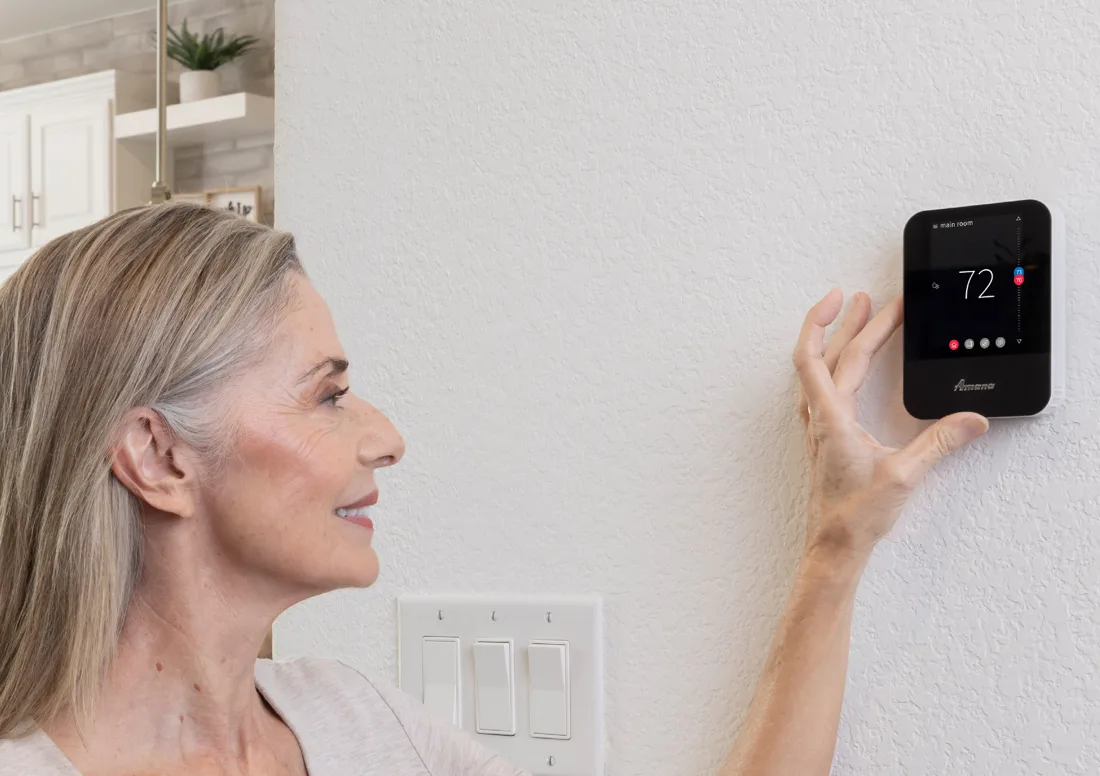
Choose a Guide
Pick the task you want to do. Each guide is a short set of steps with a few tips and a list of signs that mean it is time to call.
Setup
Connect to Wi-Fi and the app
Join your home Wi-Fi and pair the thermostat with the SkyportHome app. Open the Wi-Fi guide.
Savings
Set up geofencing
Let your phone switch the thermostat to Away when everyone leaves. Open the geofencing guide.
Comfort
Build a schedule
Choose a mode, edit events and copy a day to others. Open the schedule guide.
Fixes
Restart or update
Reboot the thermostat or check for a software update. Open the restart and update guide.
What the Thermostat Does
The thermostat has four main screens, reached from the icons along the bottom of the display.

Screen 1
Home
Shows the current temperature and mode, with a slider and arrows to change the setpoint.
Screen 2
Schedule
Shows upcoming setpoint changes and lets you edit the schedule.
Screen 3
Away
Holds energy-saving temperatures that you can turn on yourself or let the app trigger when everyone has left.
Screen 4
Air Quality
Shows outdoor air quality and weather once the thermostat is added to the app with a home location.
Smart Features You Can Turn On
Most of these need the thermostat to be on your home Wi-Fi.
- Remote control from your phone with the SkyportHome app.
- Voice control through Amazon Alexa and Google Assistant devices.
- Geofencing that detects when you leave and when you return.
- Automatic software updates once the thermostat is connected.
- Outdoor temperature, humidity and weather on the display.
- Error and service notifications.
- Screens in English, Spanish and French.
Which Systems It Works With
The Amana brand smart thermostat is a communicating control for Amana brand ComfortNet equipment, including the S-Series inverter air conditioner and heat pump systems. If you are not sure what your home has, call us. To add one, see our smart thermostat installation page.
Need Help Right Now?
Start with the guide for your task. If it does not solve it, use one of these.
- Amana thermostat support: call 855-402-7587 to reach the thermostat support team.
- Rest Assured HVAC: call (847) 224-2420 and we will walk you through it or schedule a visit.
- Equipment setup, temperature calibration and auxiliary heat wiring are installer-level tasks. Please leave those to a technician.
Thermostat Help FAQs
What is the SkyportHome app?
SkyportHome is the mobile app for the Amana brand smart thermostat. It lets you see and change the temperature, set Away and schedules, and pair with voice assistants. The earlier Amana Home and Daikin One Home apps were merged into SkyportHome.
Do I need Wi-Fi to use my Amana smart thermostat?
The thermostat runs your system without Wi-Fi. Wi-Fi adds app control, voice control, geofencing and automatic software updates.
Can I use my Amana smart thermostat with Alexa or Google?
Yes. Once the thermostat is on Wi-Fi and paired with the SkyportHome app, you can link it to Amazon Alexa or Google Home and control it by voice.
Who do I call if the thermostat acts up?
Try the restart steps in our guide first. For product support call Amana thermostat support at 855-402-7587, or call Rest Assured HVAC at (847) 224-2420 and we will help or schedule a visit.
Want a Smart Thermostat Installed?
Call or book online and we will recommend the right control for your system, install it and set it up with you.
See our smart thermostat installation, the Amana lineup and the Amana smart thermostat help center.
These steps are written for the Amana brand smart thermostat (model ATST-CWE-BL-A) and the SkyportHome app. Screens can vary a little with software versions. Amana is a registered trademark of Maytag Corporation or its related companies and is used under license. Rest Assured HVAC LLC installs and services Amana equipment. Amazon, Alexa, Google and Google Home are trademarks of their respective owners.